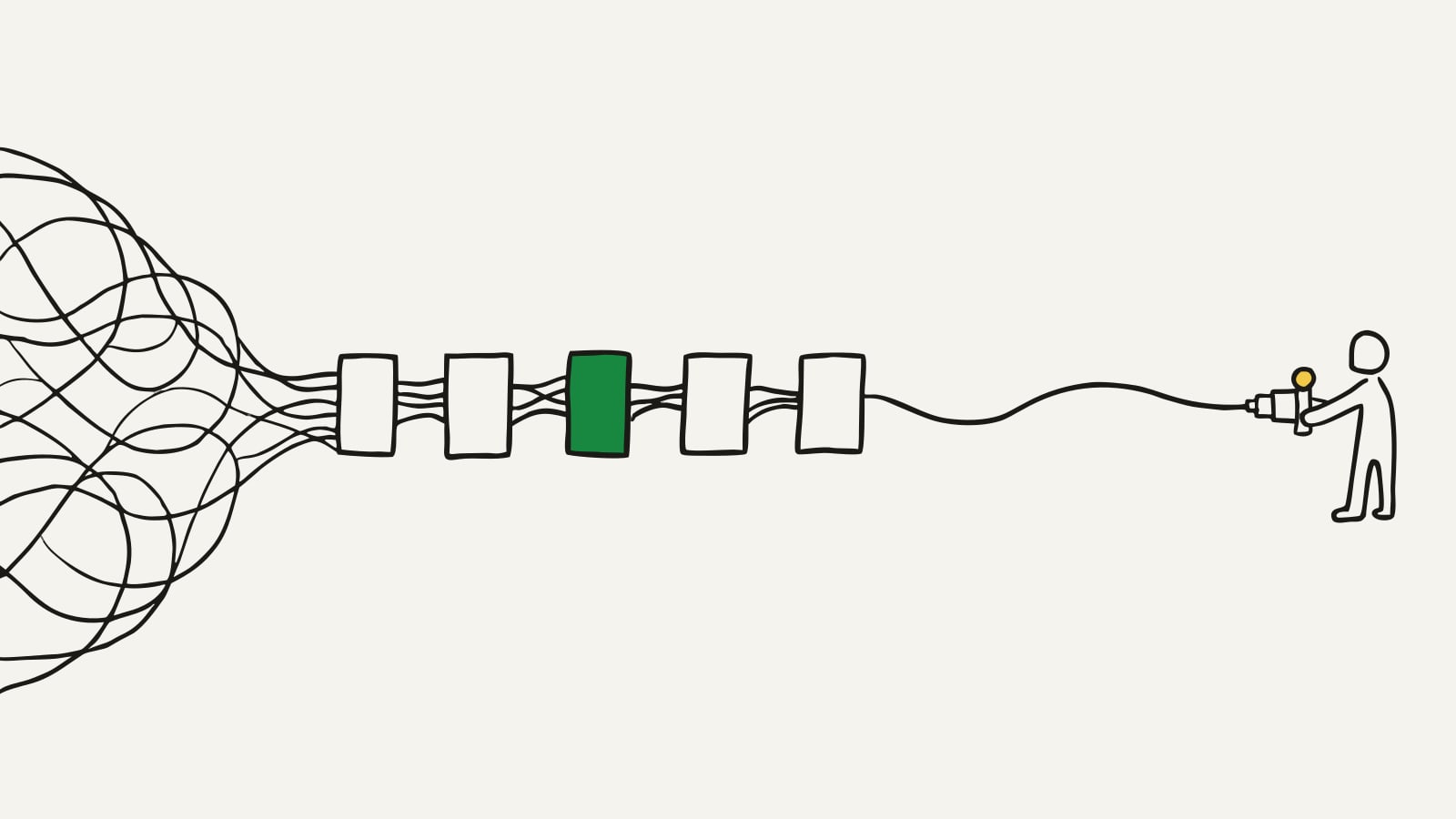
Zapier versus custom automation comes down to one number that most businesses never actually work out: what your current setup costs you a year, including the time someone spends fixing it. No-code automation is the right answer for most workflows and a quietly expensive answer for a few, and telling them apart is arithmetic rather than opinion.
Nobody needs convincing that Zapier and Make are good. They are. They turned work that used to need a developer into an afternoon of dragging boxes, and for the majority of what a business wants automated they remain the correct choice.
This post is about the minority case. The five signals you have outgrown the tools, what building your own actually costs, and the migration approach that does not risk your operations. If you are weighing a bigger build than a workflow, our app development quote guide covers how that kind of pricing works.
What no-code automation is genuinely great at
Worth stating plainly, because the answer for most readers will be to stay exactly where they are.
Connecting two systems that already speak. Form to spreadsheet, order to notification, signup to mailing list. Ready-made connectors, minutes of work, no reason to involve anyone.
Trying an idea. You can test whether automating something even helps before committing money to it. Most process improvements sound better than they are, and finding that out for the price of an afternoon is excellent value.
Work that changes often. If the process is still being invented, building it properly is premature. Drag the boxes around instead.
Small volumes. A few hundred runs a month costs almost nothing and will keep costing almost nothing.
Not depending on one person. Anyone in the business can look at a workflow and roughly follow it. That is a real advantage that custom work gives up, and it should not be traded away lightly.
If that describes your automations, stop reading and go back to work. You are not overpaying.
Five signals you have outgrown it
These tend to show up together, and by the time two of them are true the maths has usually already tipped.
One: the bill stopped being small. Task-based pricing scales with success. A workflow that was trivial at two hundred runs a month is a real line item at twenty thousand. Once the monthly subscription passes a few hundred dollars for automation alone, it is worth pricing the alternative.
Two: someone is on repair duty. If a person in your business loses most of a day each month to automations that quietly stopped, that is a salary cost sitting on top of the subscription, and it is the cost people consistently forget to count.
Three: your longest workflow has become unreadable. Once a single automation needs a dozen or more steps with several branches, nobody can follow it and nobody dares change it. That is not a tool limitation so much as a signal that the logic deserves to be written down properly.
Four: failure is silent. This is the expensive one. No-code automations often stop without telling anyone, and you discover it from a customer who never got their confirmation. Proper failure handling, with retries and an alert to a human, is where custom work earns its price.
Five: the connector you need does not exist. An older system, a regional supplier, an internal tool. The workaround usually involves a spreadsheet and a person, at which point the automation is no longer an automation.
Zapier vs custom automation: the real comparison
| No-code automation | Custom automation | |
|---|---|---|
| Cost to start | $20 to $100 a month | Priced per project, usually low thousands up |
| Cost at high volume | Rises with every task | Flat, near enough |
| Time to first working version | An afternoon | 2 to 6 weeks |
| Branching logic | Fine until it is not | Handled properly |
| When something fails | Often silent | Retries and tells someone |
| Systems with no connector | Workaround or no | Build the connection |
| Who can change it | Anyone in the business | Someone technical |
| Who owns it | Rented, subject to their pricing | Yours |
Look at the last two rows before you decide. Custom work buys you control and flat costs, and it charges you in flexibility: your team can no longer adjust it on a whim. For a process that is settled, that is a good trade. For one still being figured out, it is a bad one.
Price the automation before you commit to it
Describe the process and the systems it touches. You will get a free itemised plan with the modules, the phases and an estimated total, so you can compare it against your subscription with real numbers.
Get your build planHow much does a custom automation cost?
Broadly, three tiers, and the driver is the number of systems involved rather than how clever the logic is.
One well-defined workflow, two systems. Usually a few thousand dollars. Something like taking orders from one place, applying your rules, and putting the result somewhere else, with proper handling when it fails.
Several connected workflows, three or four systems. Typically five figures. This is the common shape for a real operational automation, and most of the price is in the connections rather than the logic.
A full operational rebuild. Where the automation is effectively becoming your internal tool, with screens people use and records they edit. At that point you are commissioning software rather than an automation, and it should be scoped as such. The pricing behaves like building an app because that is what it is.
Two costs to keep in view. Running your own automation is not free, though hosting for this kind of work is usually tens of dollars a month rather than hundreds. And it needs occasional maintenance, because the systems it connects to change without asking you.
The comparison that matters is not the project price against the monthly bill. It is two or three years of total cost each way, including the hours your team currently spends on repairs. Done honestly, that calculation either makes the decision obvious or tells you to stay put, and both answers are useful.
Where Make, n8n and the AI automation tools fit
Zapier is the name people search for, and it is not the only shape this decision takes. There are two rungs on the ladder before you commission anything.
Make handles more complicated logic than Zapier and costs less at volume, in exchange for being harder to learn. If your only complaints are price and branching, moving here is a much smaller step than building your own.
n8n and the other tools you can host yourself sit genuinely between the two options in this post. You get close to flat costs and far fewer limits, and you take on the job of running it. For a business with any technical capacity this is often the right answer, and it is missing from most comparisons because nobody sells it to you.
The AI automation tools will write a workflow from a description. They deserve exactly the same caution as the rest of AI-built software: very good for a first draft, silent about whatever they got wrong. For any process touching money or customer records, have a person check the result before you trust it.
Try the cheaper rungs first. Building your own is the last step, not the next one.
Move one workflow, not all of them
The failure mode here is a big-bang migration. Nobody needs that risk.
Pick the single worst offender. The workflow with the highest task volume, or the one that breaks most often. One workflow, chosen on evidence.
Write down what it does, in plain English. Every step, every branch, every thing that should happen when a step fails. This document is most of the work, and if it turns out to be harder to write than you expected, that is your answer about how complicated the process really is. It is the same exercise as deciding what to build first, applied to operations.
Build that one, and run both. Keep the old automation alive alongside the new one until you trust it. Compare the results for a fortnight.
Then measure, then decide. Now you have a real number from your own business instead of a guess, and moving the second workflow is an informed decision rather than a leap.
This approach caps the downside at one workflow. It also frequently ends with a sensible split: the fragile, high-volume, business-critical processes get built, and the twenty small conveniences stay in the no-code tool where they belong. That mixed setup is the right destination far more often than a full migration is.
Work out the number, then choose
Zapier versus custom automation is not a matter of taste. Add up what you pay in subscriptions, add the hours someone spends fixing things, multiply by three years, and compare it to a real quote for building the two or three workflows that cause most of the pain.
Most businesses doing that sum find they should keep almost everything where it is and build one or two things properly. That is a good outcome and it is cheap to discover.
Get an itemised build plan: describe the process in plain English and get the modules, the phases and an estimated total for free. Then decide with the number in front of you, rather than at the moment your automation bill arrives.
Common questions
When should I switch from Zapier to a custom automation?
Watch three numbers. What you pay in subscriptions each month, how many hours someone spends fixing broken automations, and how many steps your longest workflow has grown to. Once the monthly bill passes a few hundred dollars, or someone loses most of a day a month to repairs, or a single workflow needs more than about a dozen steps with branching, the economics have usually already turned.
How much does a custom automation cost to build?
A single well-defined workflow is typically a few thousand dollars. Several connected workflows spanning three or four systems usually land in the five figures. The price is driven far less by how clever the automation is than by how many systems it touches and how badly those systems behave, since every connection is a place where things can go wrong.
Is a custom automation cheaper than Zapier?
Not at first, and then yes, permanently. You pay a project price up front against a subscription that never ends and rises with volume. The crossover for a busy workflow usually arrives somewhere in the second year, and it arrives sooner if your tool bill scales per task or per user, because that is the part that grows with your success.
What can a custom automation do that Zapier cannot?
Handle real branching logic without becoming impossible to follow, deal with failure sensibly by retrying and reporting rather than stopping silently, work with systems that have no ready-made connector, and process large batches without hitting per-task limits. The honest summary is that no-code tools are excellent at connecting things and weaker at deciding things.
Do I have to replace all my automations at once?
No, and you should not. Move the single workflow that costs you the most in money or repair time, leave everything else where it is, and run both for a while. This keeps the risk small, gives you a real cost comparison from your own business, and means an unsuccessful attempt costs one workflow rather than your entire operation.
Get a build plan for your idea
Describe what you want to build and get a clear, itemized plan in a couple of minutes.
Get your build plan