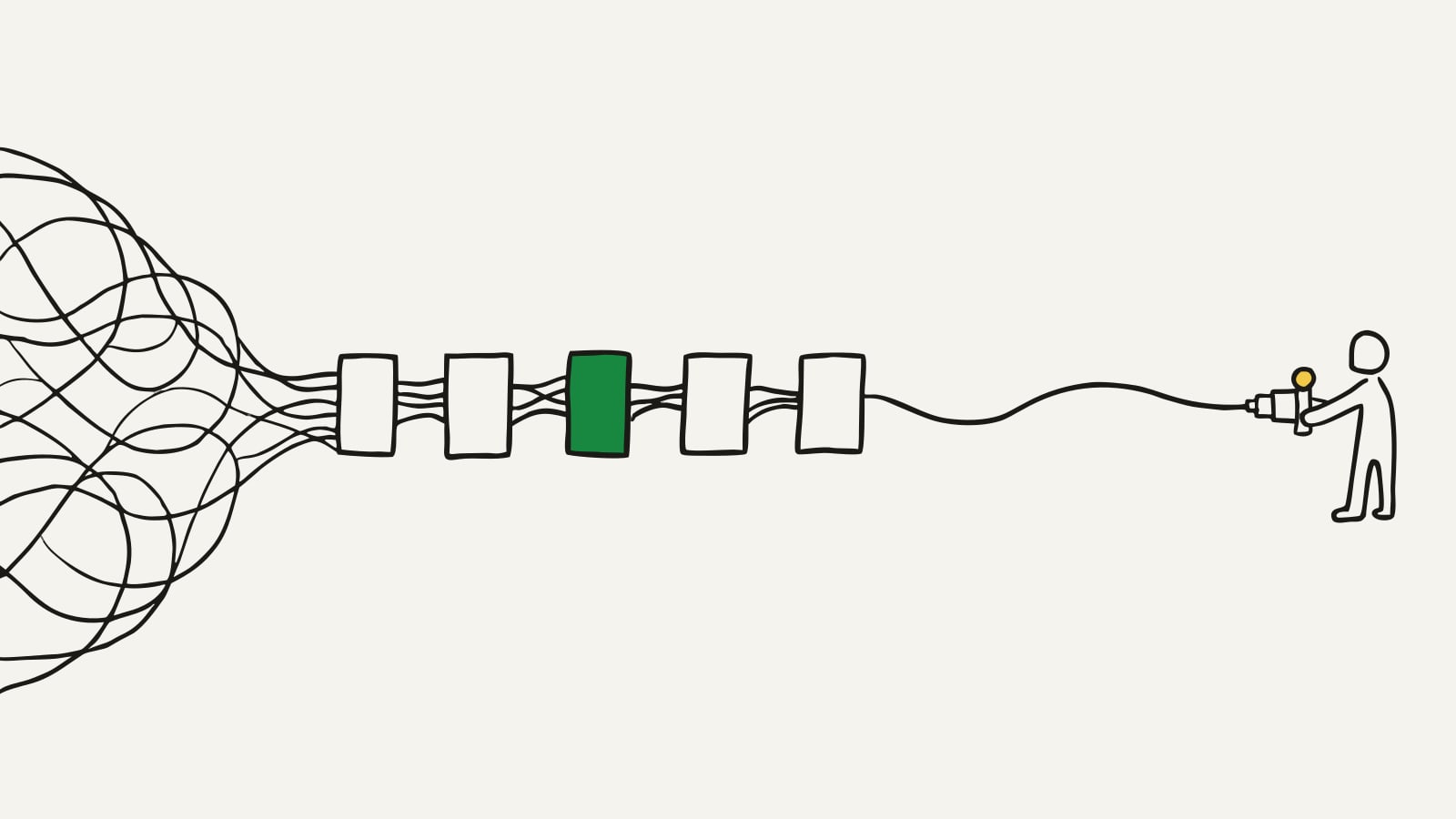
An app requirements document is the single most useful thing a non-technical founder can write, and almost nobody writes one. Not because it's hard. Because it sounds hard. The name suggests diagrams, acronyms, and a degree you don't have.
Here's the reality: the best requirements documents are written by the person who understands the problem, not the person who understands the technology. A developer can pick a database in an afternoon. What they can't do is know your customers, your workflow, or what "done" means for your business. That part is yours, and it's the part that decides whether the project succeeds.
This guide gives you a seven-section structure you can copy, a worked example, and a short list of things to leave out. If you've read our guide on how to explain your app idea to a developer, think of this as the document that comes out of that thinking, the thing you actually hand over.
What do developers actually need from you?
Strip away the templates and a developer needs three things before they can quote or build: what the app should do, who it does it for, and what matters most. Everything in a good requirements document serves one of those three.
Notice what's not on the list. Nobody needs you to pick a programming language. Nobody needs a diagram of servers. When a non-technical founder tries to write technical requirements, they usually get them wrong, and a polite developer will quote around the confusion rather than question it. That's how projects start on the wrong foot before a line of code exists.
Write behaviour instead. A customer can pick an open time slot and get a confirmation by email. That one sentence tells an engineer you need a calendar, availability rules, and email sending, and you never had to name any of it.
A requirements document describes what your app should do. It should never have to explain how.
Every question you answer in writing is a question the developer doesn't answer with a guess halfway through the build. That's the entire value of the document: fewer guesses, fewer surprises, fewer awkward change requests.
An app requirements document template: the seven sections
You can draft all seven sections in an afternoon. Most first drafts fit on two to five pages, and shorter beats longer, because a short document gets read and a long one gets skimmed. The same template works for a mobile app, a web app, or both, because it describes behaviour, not technology. Here's the structure at a glance, then each section in turn. An ordinary Word document or Google Doc is the right tool for the job. No special software, no diagrams.
A plain-English mobile app requirements document template
| Section | What goes in it |
|---|---|
| 1. The problem | The pain you're solving, for whom, and what it costs them today |
| 2. Users and roles | Everyone who touches the app and what each is allowed to see and do |
| 3. The core loop | The one repeated cycle of actions that delivers the value you promise |
| 4. Features by phase | What ships first and what waits, grouped as Phase 1, 2, and 3 |
| 5. Edge cases | What happens when things go wrong or don't fit the happy path |
| 6. Connections to other services | Payments, maps, email, calendars, anything outside your app |
| 7. What success looks like | The one or two measurable signs that will tell you it's working |
1. The problem
One short paragraph. What's broken today, who feels it, and what it costs them in time, money, or stress. This is the section developers read to understand your priorities, because every scoping decision later traces back to it. If a feature doesn't help solve this problem, it can wait for a later phase.
2. Users and roles
List every kind of person who will touch the app and what each is allowed to do. Customer, owner, staff member, admin. Roles are one of the biggest hidden drivers of cost, because each role needs its own screens and permissions, and unnamed roles are one reason quotes for the same app vary so much. Name them all now, even the boring ones.
3. The core loop
Every product has one loop that matters: the smallest cycle of actions that delivers the value. See what's free, pick a time, confirm it. Post a job, get answers, connect. Write yours as a single sentence. If you can't, the idea needs a little more thought before anyone prices it, and that's a cheap discovery to make now rather than mid-build.
4. Features by phase
Take your full feature list and sort it with one question: does the core loop break without this on day one? If yes, it's Phase 1. If no, it's Phase 2 or 3. Nothing gets deleted, it gets scheduled. "Payments come in Phase 2" keeps the vision intact while making the first build small enough to finish and cheap enough to quote.
5. Edge cases
The happy path is easy. Budgets die on the edges: the payment that fails, the two customers who grab the same slot, the account someone wants deleted. You don't need technical answers here. You need to raise the situations so they're scoped on purpose instead of discovered halfway through, where they cost the most to handle.
6. Connections to other services
List everything your app has to talk to: card payments, maps, email, text messages, calendars, accounting software. Each connection is real work with a real cost, and each one left unmentioned becomes a surprise line item later. If you're not sure whether something counts, list it anyway with a question mark next to it. A question mark in a document is free. The same question discovered in month three is not.
7. What success looks like
Finish with one or two measurable signs the app is working. Most bookings arrive without a phone call. Orders get confirmed in under a minute. This section keeps everyone honest, because it turns "build me an app" into "build me the thing that makes this number move."
Turn your requirements into an itemized plan
Describe your app in plain English, answer a few questions, and get a build plan with modules, phases, and a project total you can hand to any developer.
Get your build planApp requirements example: a booking app for a dog groomer
Here's the structure applied to a fictional business. A dog groomer takes bookings by phone and Instagram messages, keeps her calendar in her head, and wants an app. Her app development requirements document, condensed:
- The problem: bookings arrive by phone and DM, double bookings happen, and evenings disappear into replying to messages.
- Users and roles: customers book and manage their own appointments. The owner sets availability and sees everything. Staff see only their own day.
- The core loop: a customer sees open slots, picks one, gets a confirmation, and the appointment lands on the groomer's calendar.
- Features by phase: Phase 1 is availability, booking, and confirmation emails. Phase 2 adds deposits and automatic reminders. Phase 3 adds staff scheduling and a grooming history for each dog.
- Edge cases: two people tap the same slot at the same moment. A customer cancels an hour before. A nervous dog needs extra time flagged on the booking.
- Connections: email for confirmations, card payments in Phase 2, and a calendar feed the owner can subscribe to on her phone.
- What success looks like: within a couple of months, most bookings come through the app and double bookings stop.
That's the whole document, a sample you can copy line by line. It fits on a page, there's no technical language anywhere, and any developer could price it. Yours will be longer, but not by much.
What should you leave out?
Two things sink otherwise good requirements documents.
Tech stack choices. If you write "must be built in React Native with a MongoDB backend", you've made a decision you're not best placed to make, and you've filtered out good developers who would have chosen better tools for your specific app. Describe the behaviour and let each developer propose the how. When they come back with terms you don't recognise, keep a plain-English glossary of software terms open rather than nodding along, but don't write those terms into your requirements.
Pixel-perfect designs. You don't need finished screens to get a quote. A rough sketch of the two or three most important screens helps a developer see what you mean. Polished design this early tends to freeze decisions that should stay flexible, and it drags every conversation toward button colours when the real questions are still about behaviour.
And leave out the padding. No mission statement, no market sizing, no ten-year vision. A developer quoting your app will skim past all of it looking for the seven sections above. Give them those seven and nothing else, and you'll stand out from almost every brief they've ever received.
One thing worth including if you happen to have it: a working prototype, even a rough one you built yourself with AI. Something a developer can click answers questions no document ever will. And if that prototype has started to strain under real use, how to fix a vibe-coded app covers what to ask for before you let anyone quote you for a rewrite.
From app requirements document to itemized plan
A requirements document tells developers what you want. An itemized plan goes one step further: it breaks those requirements into modules, groups the modules into phases, and puts an estimate against each line, with a total at the bottom.
That difference matters most when you collect quotes. Hand three developers a loose paragraph and you'll get three numbers you can't compare, because each one quietly scoped a different app. Hand them the same itemized plan and every quote prices the same list, line by line. Same input, comparable outputs, and you can finally see who's expensive, who's cheap, and who's guessing.
A written scope also changes how you can pay. With the lines on paper, fixed price vs hourly software development turns into a decision you make with open eyes, not a bet on a stranger's estimate.
Your requirements document is the raw material for that plan. Once the seven sections exist, turning them into modules and phases is fast, whether you do it with a developer or with a tool built for exactly this.
What happens when your requirements change?
They will. A Phase 2 feature becomes urgent. An integration gets dropped. A new role appears the first time a real customer uses the app. None of that means the document failed. It means the document is doing its job as the single place where decisions land.
So treat it as a living document. This is also where your app documentation starts: the one written record of what the app does and why, long after the first build ships. When something changes, update the relevant section, date the change, and make sure everyone is building from the same version. Keep one owner, you. The moment two versions of the truth exist, the document stops settling arguments and starts causing them.
A slightly scruffy document that's current beats a beautiful one that's three decisions out of date.
Write the first draft this week
You know more than enough to start. Open a blank page, write the seven headings, and fill in the problem section today. The rest comes faster than you expect, because everything else is detail hanging off a problem you already understand better than anyone.
And once the draft exists, turn it into an itemized build plan with phases, estimates, and a total you can hand to any developer or agency. The document is the thinking. The plan is what gets it built.
Common questions
What is an app requirements document?
It's a short document that describes what your app should do, in plain English. It covers the problem you're solving, who uses the app, the core actions, the features grouped by phase, and how you'll know it's working. Developers use it to quote and build against, but it doesn't need to be technical.
Do I need technical knowledge to write requirements for an app?
No. Requirements describe behaviour, meaning what users do and what they see afterwards. Choosing the technology that delivers that behaviour is the developer's job, and good developers prefer a clear plain-English document over a shaky technical one.
How long should an app requirements document be?
Two to five pages is enough for most first versions. It should be long enough to cover the problem, users, the core loop, phased features, edge cases, and outside connections, and short enough that a developer actually reads every line before quoting.
What is a functional requirement, with an example?
A functional requirement describes something the app must do, written as behaviour. For example: a customer can pick an open time slot and receive a confirmation email. Non-functional requirements describe qualities like speed or security rather than actions.
Is there a template for a mobile app requirements document?
Yes. Use the seven sections in this guide: the problem, users and roles, the core loop, features by phase, edge cases, connections to other services, and what success looks like. Copy the headings into a plain Word document or Google Doc and fill them in. The same template works for a mobile app or a web app because it describes behaviour rather than technology. Most founders fill it in over an afternoon and end up with two to five pages.
Should my requirements document include the tech stack?
No. Naming databases, languages, or frameworks locks developers into choices you're not best placed to make, and it can push quotes up. Describe what the app should do and let each developer propose how they'd build it.
Get a build plan for your idea
Describe what you want to build and get a clear, itemized plan in a couple of minutes.
Get your build plan